Contract Decorators
Pricing
FAQ
Origin
Video Guides
Request Demo
Two jobs eat a decorator's day before a single garment is printed: entering the order and working out what just arrived. PromoSoft does the first with AI and the second with a scanner.
 Powered by Claude
Import purchase orders automatically by uploading a file or forwarding as an attachment for keyless entry of all customer & item data.
Upload a customer's purchase order, or forward it as an attachment to your shop's dedicated email address. Claude, the AI model from Anthropic, reads the document and sets up the client, the order and every line item — keyless entry of all the customer and item data.
A person still reviews the order before it goes to production. What changes is that they are checking a job, not typing one.
Send the supplier's manifest the same way. Every tracking number on it is tied to the order it belongs to, so the shop knows what is on the truck, and which job it is for, before the truck arrives.
When the delivery shows up, scan the tracking number on each label. The box is received and matched to its order on the spot. Nobody reads a packing slip, and nothing sits on the dock waiting for someone to work out whose it is.
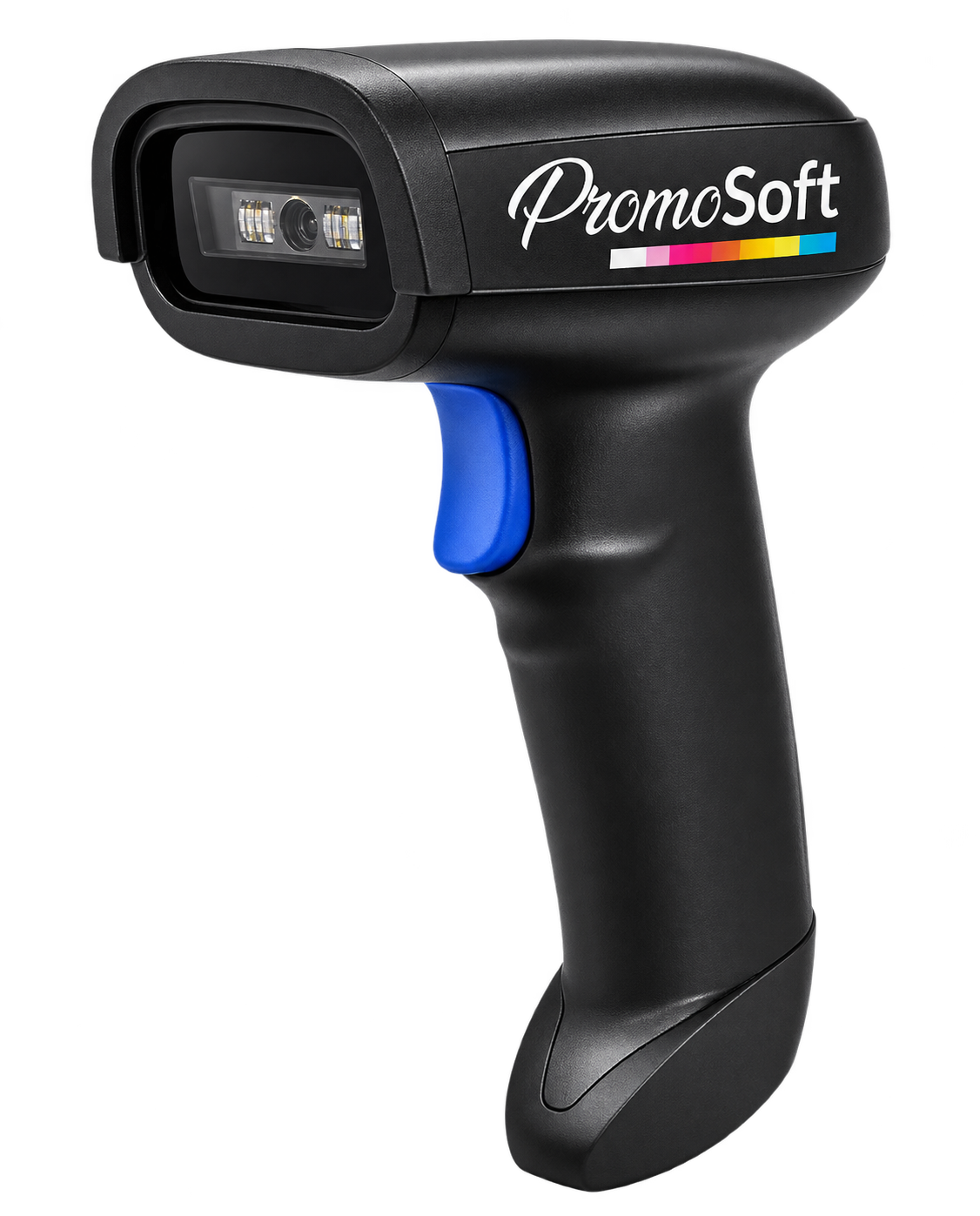
PromoSoft has its own branded scanner for the receiving dock: point, pull the trigger, and the box is in.
A crushed carton or a missing box is reported to your supplier contact in a click, so the issue is raised the day it happens instead of the day the job is due.
This workflow was designed around contract decorators, who receive goods they did not order for jobs they did not quote. But any shop that takes purchase orders and receives blanks gets the same hours back.
Order entry and receiving. AI reads customer purchase orders and supplier manifests so nothing is re-keyed, and boxes are received by scanning their tracking numbers, which matches each one to its order.
PromoSoft offers its own branded barcode scanner for the receiving dock. Ask about it on your demo.
PO import and scan-to-receive are included on every plan. The AI is Claude, and its token usage is billed monthly based on what your shop actually uses.
Claude, the AI model made by Anthropic, reads the purchase orders and supplier manifests.

We run your own shop workflow through PromoSoft end to end — sourcing, production, fulfillment and invoicing — so you know whether it fits before you commit to anything.