
Contract Decorators
Pricing
FAQ
Origin
Video Guides
Request Demo
For shops on SanMar’s PSST contract program and S&S Activewear’s contract program: purchase orders and manifests come in automatically, every box is scanned against its order, and a problem with a specific box or order is reported in a click.
Import purchase orders automatically by uploading a file or forwarding as an attachment for keyless entry of all customer & item data.
On SanMar's PSST contract program and S&S Activewear's contract program, the supplier ships your customers' blanks straight to your dock. The freight shows up every day under sales orders and PO numbers that somebody else wrote, and it has to become jobs your shop can run.
That translation is where the day goes: retyping a PO, then standing at the dock working out which carton belongs to which job. PromoSoft reads both documents for you.
Upload the purchase order, or forward it as an attachment to your shop's dedicated email address. Claude, the AI model from Anthropic, reads it and PromoSoft builds the customer, the order and every line item.
The job is in the system before anyone picks up a keyboard, and the quantities on the order are the ones on the PO, not the ones someone retyped.
Forward the freight manifest SanMar or S&S sends to your shop's manifest address. Every sales order on it becomes a receiving order, with its cartons, their tracking numbers and what is packed in each one.
Each receiving order is linked to the job it is for by the customer PO number, so you know what is on its way, and for which job, before the truck shows up.
When the delivery arrives, scan the label on each box with the Bluetooth scanner. The carton is checked in against its order with the counts already filled in from the manifest; you only correct what came in short or over.
A box with a label that will not read can be checked in by hand, and every scan is logged, so there is a record of what came through the door and when.
A crushed carton or a box that never arrived is a problem you want raised while the driver is still in the lot. Report Issue opens already filled in with the missing pieces; add any damaged counts and it goes to your supplier contact, on the record against that box and order.
Once the last box for a job is confirmed, the order moves to production on its own and runs through the same system as every other job: a queue for each decoration method, proofs approved on the record, shipping with tracking sent automatically, and an invoice generated from the order.
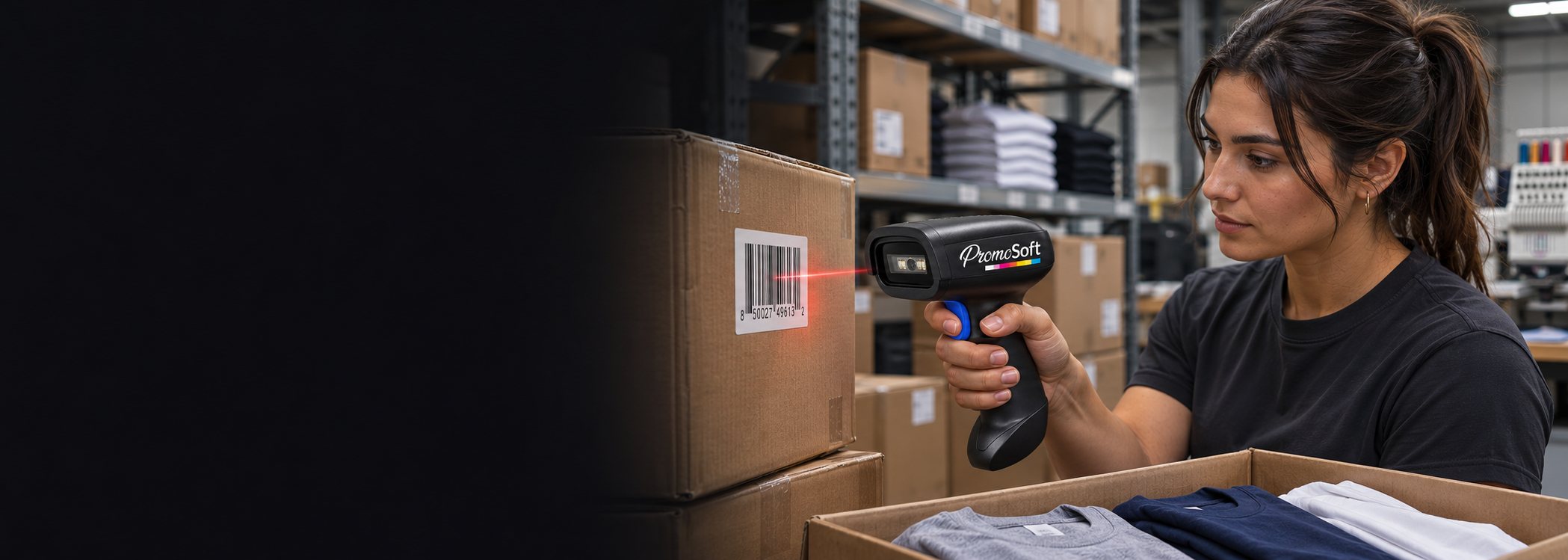
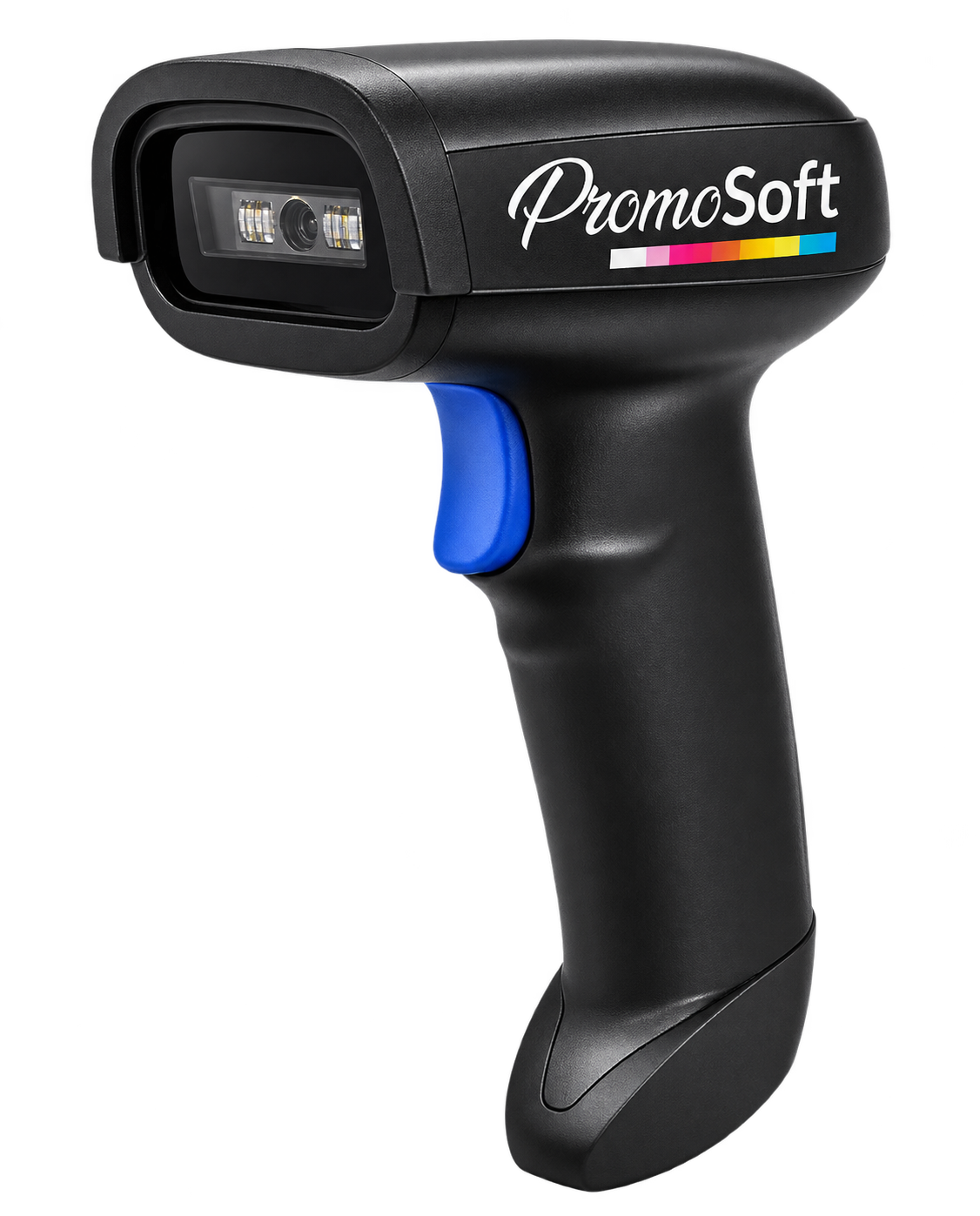
Our own branded Bluetooth scanner for the receiving dock. Scan the label on a SanMar or S&S carton and PromoSoft does the rest: the box is checked in against the order it belongs to.
See it on a demo →SanMar's PSST contract program and S&S Activewear's contract program. Forward the supplier's manifest to your shop's dedicated email address and PromoSoft imports it: every order on it becomes a receiving order with its cartons, tracking numbers and contents.
Upload the PO file, or forward it as an attachment to your shop's dedicated email address. PromoSoft imports it automatically, with keyless entry of the customer and item data.
You send the supplier's manifest to PromoSoft the same way as a purchase order. Every tracking number on it is tied to the order it belongs to, so the shop knows which boxes to expect before they arrive.
When the boxes arrive, scan the tracking number on each label. The box is received and matched to its order automatically.
You can report the issue to your supplier contact in a click.
No. Both are included on every plan. The purchase orders and manifests are read by Claude, and that AI token usage is billed monthly based on what you use.

We run your own shop workflow through PromoSoft end to end — sourcing, production, fulfillment and invoicing — so you know whether it fits before you commit to anything.